
Today we are excited to announce that we are bringing some highly requested features to solidtime, making sharing reports a lot easier: PDF Reports and Sharable Reports.
PDF Reports
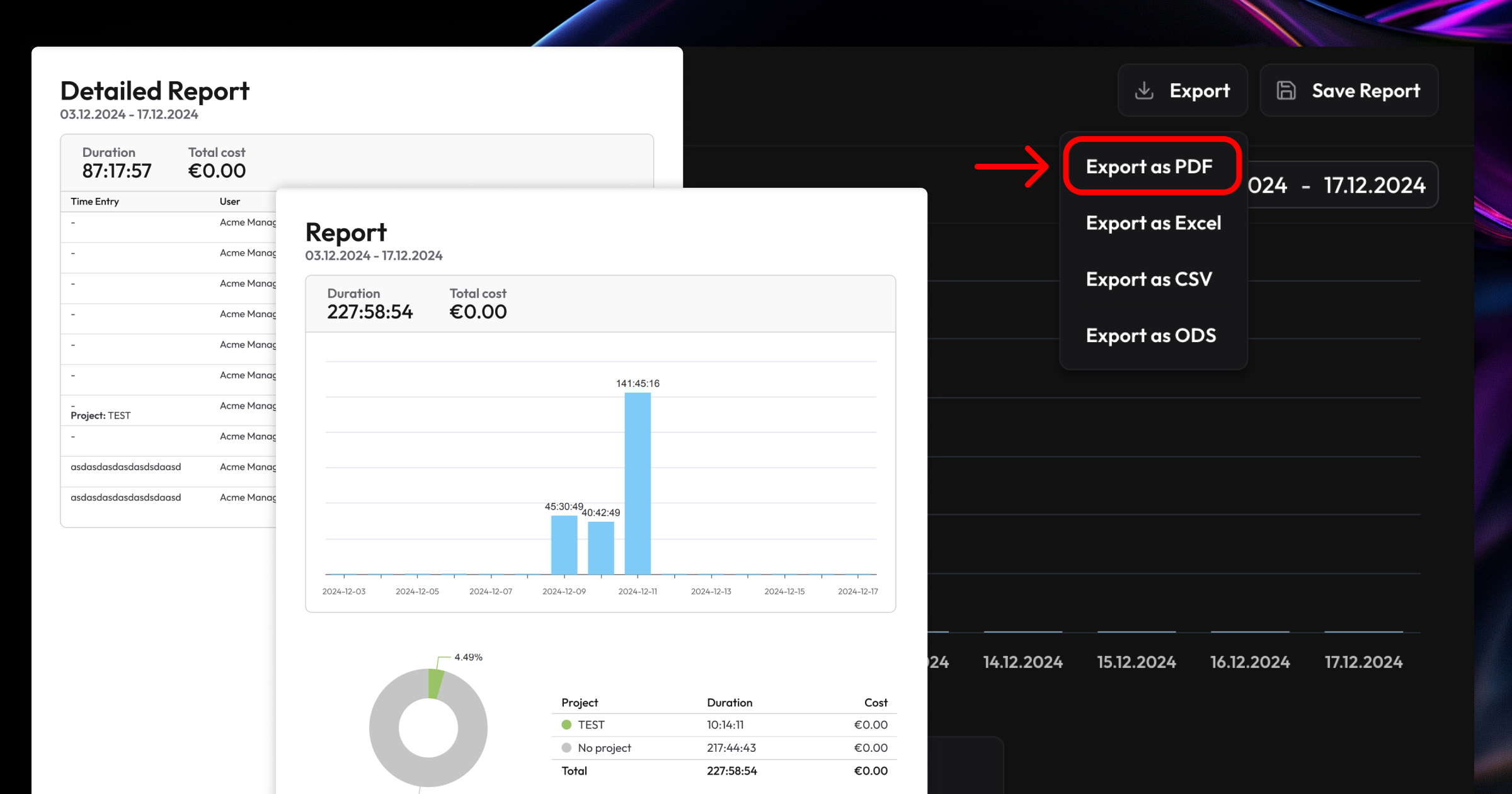
You can create PDF Exports right from within the Overview and Detailed Reporting section. Just select the filters and timeframe that you want to create a PDF Report for and Select Export -> Export as PDF on the top right corner.
Sharable Reports
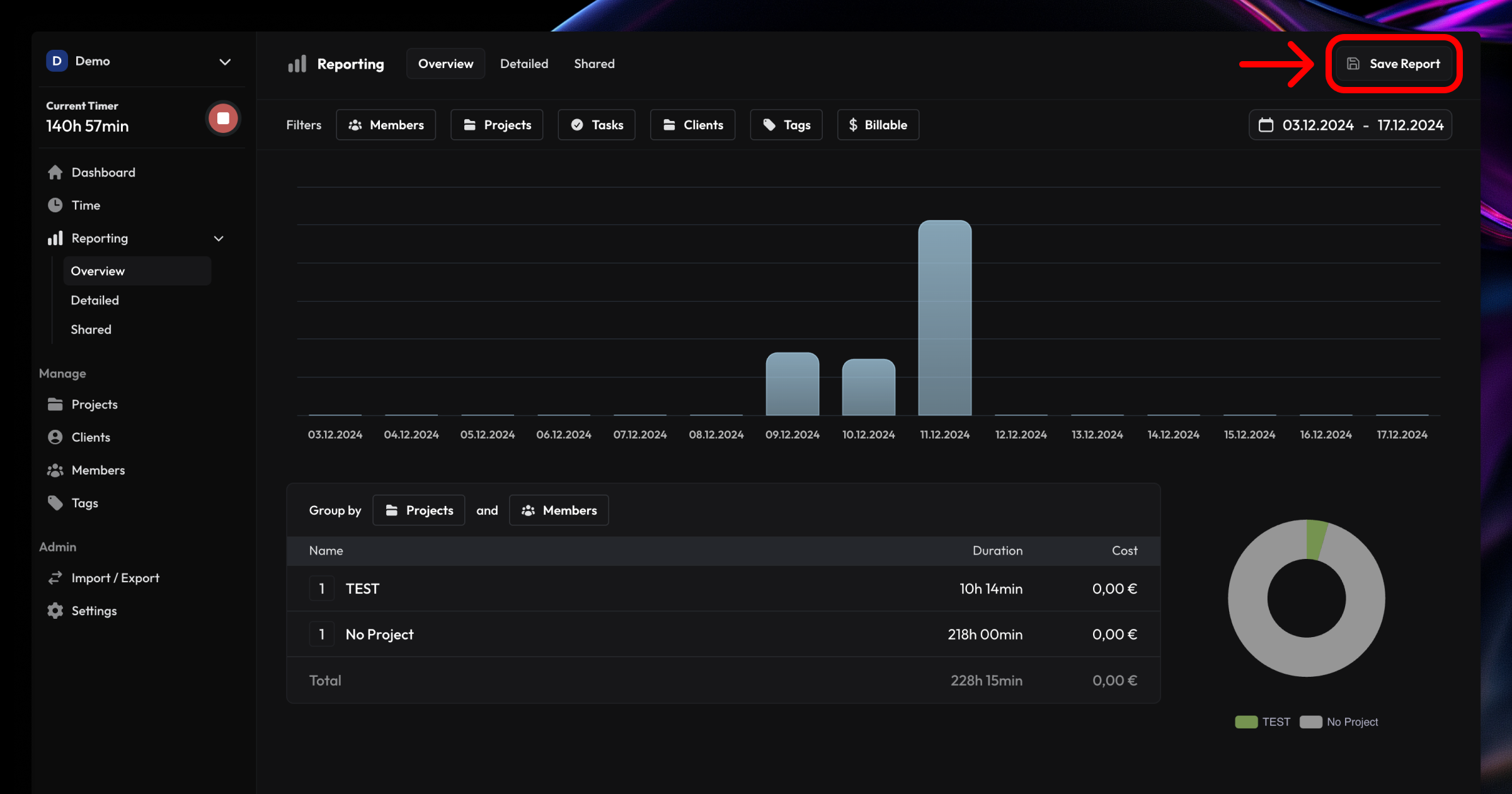
Sharable Reports are the easiest way to share an interactive report with your clients or colleagues. After selecting the filters and time frame that you want to create a report for, just click "Save Report" on the top right. Reports can either be private or public and you can even set them to expire at a certain time. Public Reports generate a secure URL that you can share easily.
Both features are available for all accounts with a "Solidtime Professional" Subscription or during Trial. Feel free to request another trial at hello@solidtime.io if you want to try out the reports but are currently on a Free plan.
If you have any feedback, make sure to let us know via the Chat Bubble on app.solidtime.io





Don't want to receive these e-mails? Unsubscribe View in browser
